Gaming Desk Height and Setup for Better Aim
The right gaming desk height, monitor distance and elbow angle for better aim: a free five-minute setup check based on OSHA workstation guidance.
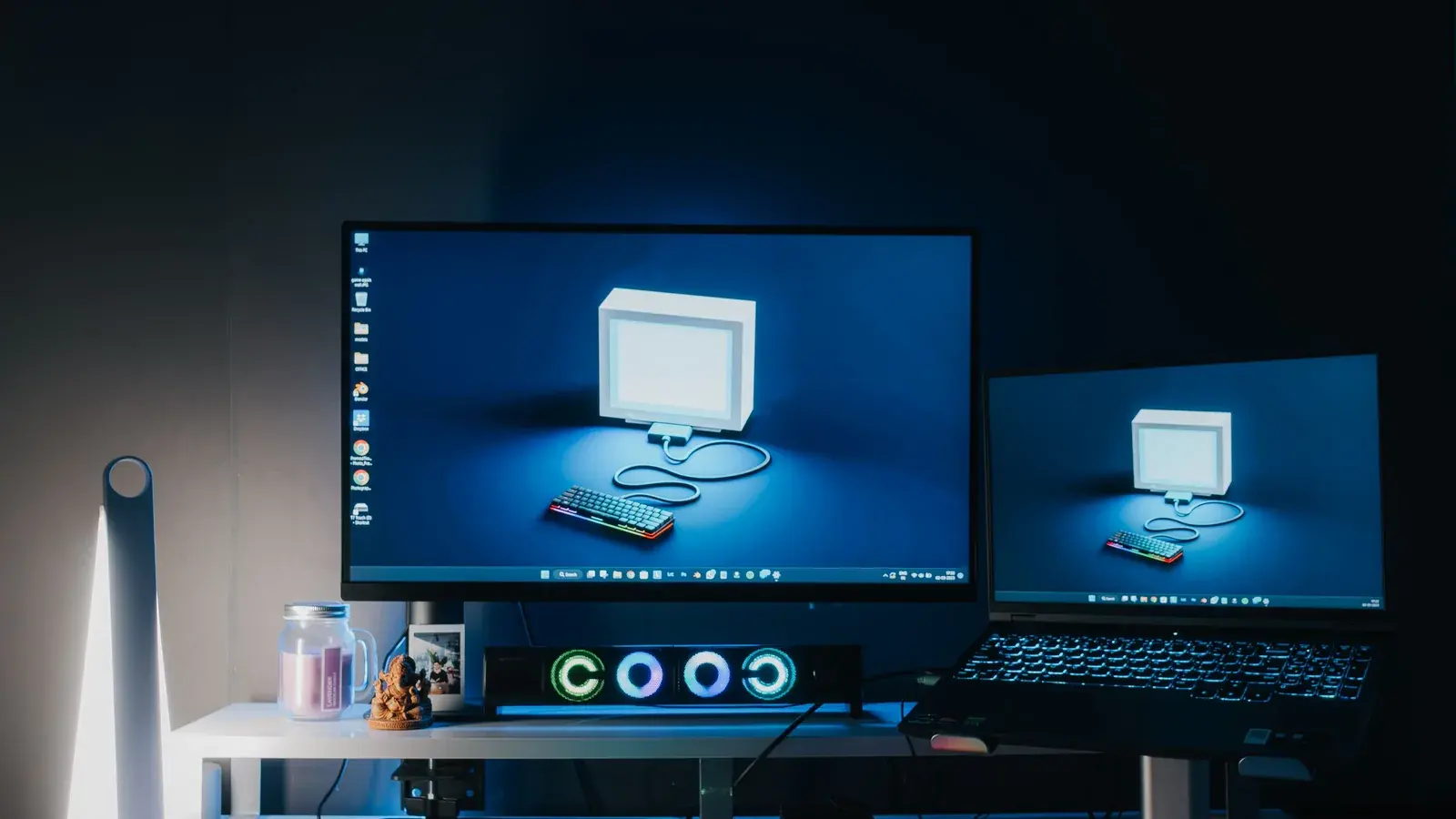
The right gaming desk height is the one that lets your forearm rest level with, or slightly below, the desk while your shoulders are relaxed and your elbows are bent at about 90 degrees. There is no single correct number in centimetres — it depends on your body and your chair — so set the chair to your legs first, then fit the desk to your elbow, then put the monitor top at or just below eye level about an arm's length away.
Everyone has an opinion about chairs. Almost nobody has an opinion about desk height, which is strange, because the desk decides the angle of your forearm and the forearm is what is doing the aiming.
This one is geometry, not gear. Most of it is free.
Why desk height beats almost everything
If the desk is too high, you shrug. A shrugged shoulder tires over a long session, and a tired shoulder drifts — which can show up as your aim feeling less consistent by hour three without you noticing why.
If the desk is too low, you drop your wrist onto the surface and pivot from the wrist alone. Wrist-only aim is fine for micro-adjustment and bad for wide flicks, so your first shot is fine and your recovery is not.
Neither of these feels like an aim problem. They feel like "I get worse when I play for a long time" — a complaint players usually blame on focus or tilt, when the setup is often part of it.
What does ergonomic guidance actually say?
Office ergonomics is not esports, but the basic geometry transfers directly. The US Occupational Safety and Health Administration's computer workstation guidance describes a neutral posture as elbows close to the body and "bent between 90 and 120 degrees", hands, wrists and forearms "straight, in-line and roughly parallel to the floor", shoulders relaxed, thighs roughly parallel to the floor and feet flat on the floor or on a footrest. For screens, OSHA's monitor guidance puts the preferred viewing distance at 50 to 100 cm (20 to 40 inches), with the top of the monitor at or slightly below eye level. Everything in the fix below is those rules applied to a gaming desk.

The five-minute fix, in order
1. Set the chair to your legs first. Feet flat, thighs roughly level, knees around 90 degrees. This is not negotiable — the chair serves your legs, not your arms.
2. Now compare your elbow to the desk. With shoulders relaxed and elbows at your sides, your forearm should be level with the desk surface or a fraction below.
3. If the desk is too high: raise the chair and add a footrest so your legs stay correct. A box works. Nobody sees it.
4. If the desk is too low: raise the desk. Furniture risers cost almost nothing, and this is the case where a height-adjustable desk is genuinely worth it rather than a lifestyle purchase.
5. Only now, set the monitor. Top edge at or just below eye level, roughly an arm's length away.
The arm-support argument
Two schools, and the honest answer is that both work:
Forearm on the desk. More stability, less fatigue, better for long sessions and for palm grip. Needs desk depth — if your forearm is hanging off the edge you get the worst of both.
Elbow on the desk, forearm free. More range for wide low-sensitivity flicks, more fatigue.
What does not work is neither — a shallow desk where your forearm is unsupported and your elbow is off the edge. That is a shoulder-fatigue setup, and it is common because a monitor on its own stand eats a large share of a shallow desk's depth.
If your desk is shallow, a monitor arm frees the space the stand's foot occupies and lets you push the screen back, and it is often the cheapest meaningful upgrade in this entire article. Panel choices: best gaming monitors 2026, and settings in the complete guide to monitor settings.

Where the chair does matter
Having said it is not the chair — it is partly the chair, in one specific way: whether it holds your elbow at a consistent height for four hours.
A chair that sinks, or whose armrests are the wrong height and get in the way, changes your forearm angle continuously through a session. That is a consistency problem, and consistency is the whole game.
What to check: seat height stays where you set it, armrests are adjustable and can be moved out of the way if you support on the desk, and the backrest supports your lower back without pushing your shoulders forward.
Our long-session writeup is AutoFull M6 Ultra 2.0 for tournament grinds and the roundup is best gaming chairs 2026.
The order to spend money in
| Fix | Cost | Effect |
|---|---|---|
| Desk and chair height, elbow angle | Free | Largest, and it compounds over a session |
| Monitor height and distance | Free | Large — neck angle drives fatigue |
| Monitor arm for depth | Low | Fixes a shallow desk instantly |
| A chair that holds its height | Medium | Consistency over long sessions |
| A mouse that fits your hand | Medium | Real — see big hands |
| A faster panel | High | Smallest per unit of money |
That table is deliberately upside-down compared to how most people actually shop.
Nobody posts a setup photo captioned "correct elbow angle". That is precisely why the free fixes stay undone while the expensive ones get bought twice.
Related: how to set up a gaming station for the full step-by-step, The Latency Tax series for the milliseconds side, optimise Windows for gaming, best gaming peripherals 2026.
Q: What is the correct desk height for gaming? A: The height at which your forearm is level with, or slightly below, the desk surface while your shoulders are relaxed and your elbows are at your sides. Set your chair to your legs first, then adjust the desk to your elbow.
Q: Should I rest my forearm on the desk while aiming? A: Either forearm support or elbow support works; what does not work is neither. If your desk is too shallow to support your forearm and your elbow hangs off the edge, you will fatigue your shoulder within an hour.
Q: How far away should my monitor be? A: Roughly an arm's length for a 24-27 inch panel, with the top edge at or just below eye level. OSHA's workstation guidance gives a preferred viewing distance of 50 to 100 cm. If your desk is too shallow for that, a monitor arm recovers the depth cheaply.
Q: Is there a standard gaming desk height in cm? A: Not one that fits everyone. Fixed desks come in a typical range, but the right height is set by your seated elbow height: with your feet flat and shoulders relaxed, the desk surface should sit level with or just below your forearm. If a fixed desk is too high, raise the chair and add a footrest.
Q: Is a height-adjustable gaming desk worth it? A: Mainly when your desk is too low for your seated elbow height, or when more than one person uses the setup. If the desk is too high, a higher chair plus a footrest fixes it for almost nothing.
*Some links on this page are affiliate links, marked as sponsored. Where a partner pays us, our view of the product does not change.*
SOURCES
- computer workstation guidance (osha.gov)
- monitor guidance (osha.gov)