Best Gaming Peripherals 2026 — Mouse, Keyboard, Headset
Our top picks for gaming mice, keyboards, and headsets in 2026 — what matters, what is marketing fluff, and what pros actually use.
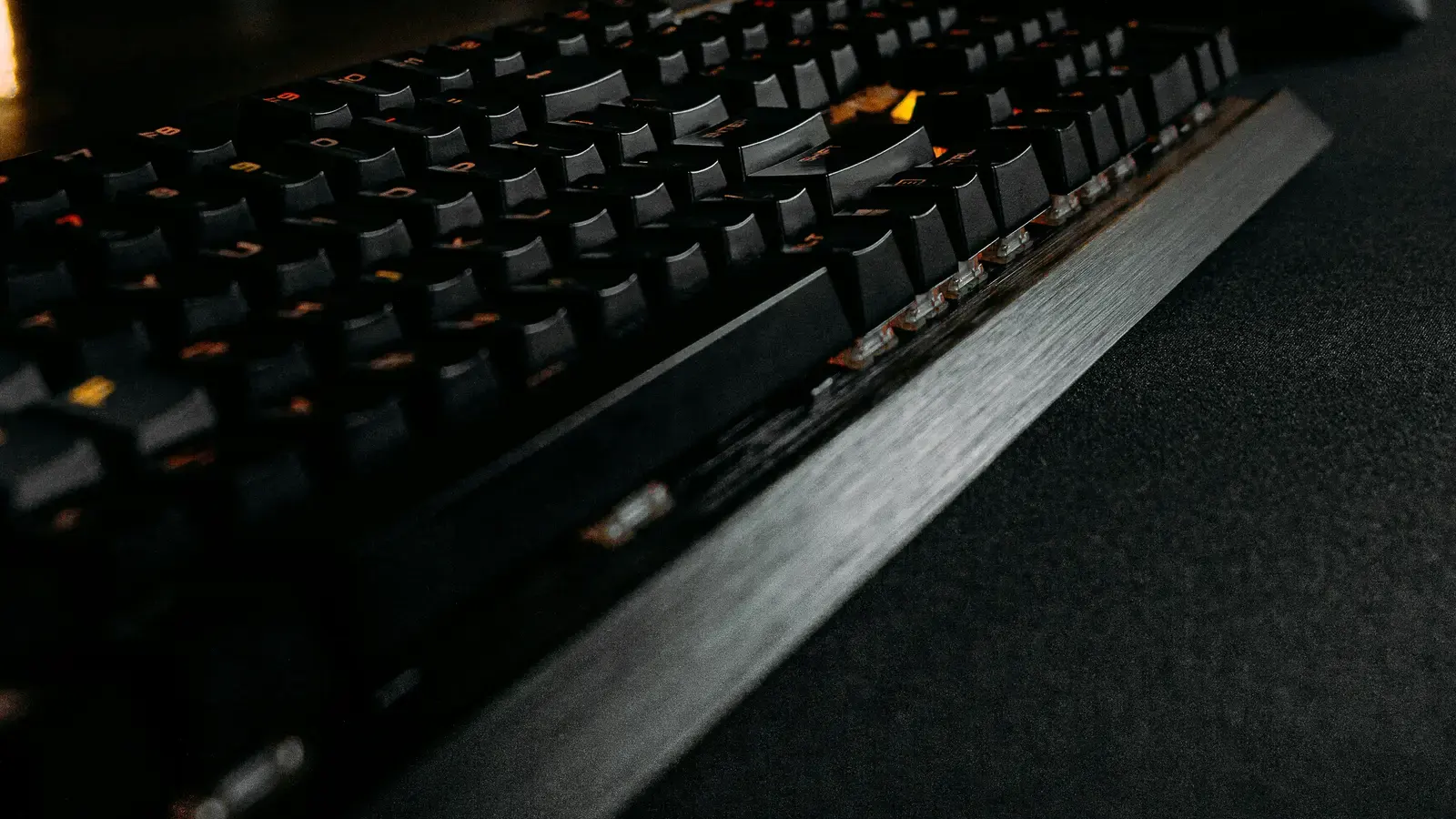
Choosing the right gaming peripherals can genuinely improve your performance, but the market is flooded with marketing claims that make informed purchasing difficult. This guide cuts through the noise to explain what actually matters in each peripheral category and recommends the best options based on extensive testing and professional player preferences.
Gaming Mouse — What Actually Matters
Sensor quality has reached a plateau where every mouse above 40 euros uses a sensor that tracks perfectly for gaming. The difference between a PMW3395 and a PMW3399 is irrelevant for human reflexes. Stop obsessing over sensor specs and focus on what actually varies between mice.
Shape and weight are the two most important factors because they affect your aim consistency over extended sessions. A mouse that fits your hand size and grip style will always outperform a technically superior mouse that cramps your hand. There are three grip styles: palm (entire hand rests on mouse), claw (fingers arched with palm on back), and fingertip (only fingertips touch). Each style benefits from different mouse shapes and sizes.
Weight has become a key differentiator. Modern lightweight mice weigh 50-65 grams, compared to 80-100 grams for traditional gaming mice. Lighter mice require less force to move, reducing wrist fatigue and enabling faster flick shots. However, some players prefer slightly heavier mice for more controlled tracking. There is no objectively correct weight — try both and see what feels natural.
Polling rate determines how often the mouse reports its position to the computer. Standard is 1000Hz (once per millisecond). Some mice now offer 4000Hz or 8000Hz polling. The benefit is measurable in latency tests but barely perceptible to most humans. For most gamers, 1000Hz is perfectly fine.
Our top mouse picks: Logitech G Pro X Superlight 2 (63g, excellent shape for medium hands, 4000Hz polling) and, for budget buyers, the Pulsar X2 Mini (52g, outstanding value at 60 euros). If you have large hands, the right shell depends on your exact hand measurement — see our dedicated breakdown in Best Gaming Mice for Large Hands 2026.
Razer and SteelSeries also make well-regarded gaming mice worth comparing against our picks.
Gaming Keyboard — Mechanical vs Hall Effect
The biggest keyboard development in 2026 is the mainstream adoption of Hall Effect magnetic switches. Unlike traditional mechanical switches that use physical contacts, Hall Effect switches detect key position magnetically. This enables adjustable actuation points (how far you press before the key registers) and Rapid Trigger (the key re-engages instantly when you reverse direction without needing a full reset).
For competitive FPS games, Rapid Trigger is transformative. Counter-strafing — the technique of quickly stopping lateral movement to shoot accurately — becomes significantly easier because you do not need to fully release and re-press the key. The Wooting 80HE and Razer Huntsman V3 Pro are the gold standard for Hall Effect gaming keyboards.
Traditional mechanical switches remain excellent for casual gaming and typing. Cherry MX Red (linear, 45g actuation force) and Cherry MX Brown (tactile bump, 45g) are reliable, time-tested choices. If you do not play competitive FPS games, you do not need Hall Effect switches.
Key layout matters more than most buyers realize. TKL (tenkeyless, no numpad) is the standard for competitive gamers because it provides more desk space for mouse movement. 75% layouts save even more space while retaining function keys. Full-size keyboards are only necessary if you regularly use the numpad.
Gaming Headset — Sound vs Comfort
For gaming headsets, comfort during extended sessions trumps everything. A headset with perfect sound quality that causes ear pain after two hours is worthless for serious gaming. Prioritize headsets with breathable ear pad materials (mesh or velour over leatherette), weight under 300 grams, and adjustable clamping force.
Sound quality for gaming focuses on positional accuracy — the ability to pinpoint enemy positions based on audio cues. Closed-back headsets isolate external noise but have a narrower soundstage. Open-back headsets provide wider soundstage for better positional audio but leak sound and do not block external noise. For shared spaces, closed-back is necessary. For quiet environments, open-back has a competitive advantage.
Our top headset picks: SteelSeries Arctis Nova Pro (wireless, excellent ANC, premium build) for those with budget, and HyperX Cloud III (wired, outstanding comfort and sound per dollar) for value buyers.
Microphone quality matters if you use voice communication in team games. Detachable boom microphones consistently outperform integrated microphones for voice clarity and noise rejection. If clear communication with teammates is critical, prioritize headsets with boom mics.
Frequently Asked Questions
Q: Should I buy wireless or wired peripherals? A: Modern 2.4GHz wireless peripherals have effectively zero additional latency compared to wired. The main trade-offs are weight (wireless mice have batteries) and cost (wireless costs more). For mice, wireless is now recommended for the freedom of movement. For keyboards, wired is fine since keyboards do not move during gameplay.
Q: How often should I replace gaming peripherals? A: Replace peripherals when they develop issues (double-clicking, sticky keys, worn ear pads) rather than on a schedule. Quality peripherals last 3-5 years or more. Upgrading for marginal spec improvements is rarely worth the cost.
Q: Do professional gamers actually use the peripherals they sponsor? A: Some do, some do not. Many pro contracts require using the sponsor's peripherals, which means their endorsements are not necessarily authentic recommendations. Check what gear pros use in tournament settings (where some restrictions are relaxed) for a more honest picture.
Q: Is it worth buying a gaming mousepad? A: Yes. A quality mousepad provides consistent tracking surface, protects your desk, and affects glide speed and control. Cloth pads offer more control, while hard pads offer faster glide. A 30 euro mousepad is one of the most cost-effective upgrades you can make.
Q: What is the single best peripheral upgrade for improving aim? A: A mouse that fits your hand and grip style perfectly. No other peripheral change has as much impact on aim as finding a comfortable mouse with the right shape, weight, and size for your hand. Try multiple mice if possible before committing.
Reviewed by the LoadOutBet editorial team