Best Monitor for Competitive Gaming in 2026
The best monitors for competitive gaming in 2026, from 240Hz to 540Hz: best overall, highest refresh rate, budget and QD-OLED picks, and how to choose.
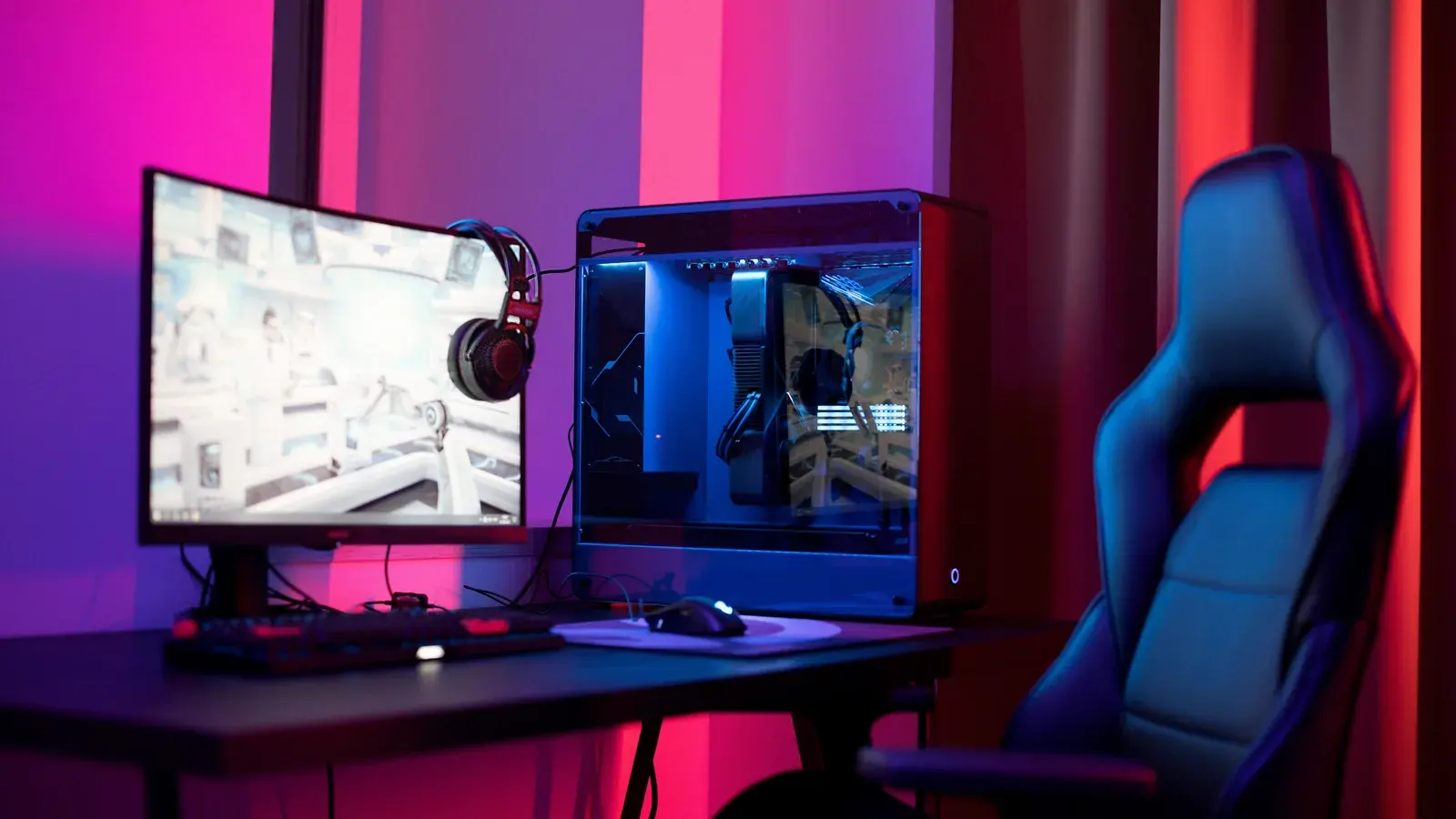
Your monitor is arguably the most important piece of gaming hardware after your GPU. The best graphics card in the world is wasted if your display cannot keep up. For competitive gaming, the priorities are clear: response time, refresh rate, and input lag matter far more than color accuracy or HDR performance. This guide compares ten monitors across three price tiers to find the best options for competitive players.
Best Overall: ASUS ROG Swift PG27AQN
The clear overall winner is the ASUS ROG Swift PG27AQN. This 27-inch 1440p 360Hz IPS panel hits the sweet spot between resolution, refresh rate, and pixel density. At 1440p, you get noticeably sharper image quality than 1080p without the GPU demands of 4K. The 360Hz refresh rate is perceptible over 240Hz in fast-paced scenarios, particularly when tracking enemies moving across your screen at high speed.
Highest Refresh Rate
For those chasing a very high refresh rate regardless of resolution, the ASUS ROG Swift Pro PG248QP runs at 540Hz, which ASUS lists as an overclocked rate. It is not the fastest on sale: ZOWIE lists the XL2586X+ at 600Hz. At 24.1 inches and 1080p, it pushes refresh rates into territory previously reserved for CRT monitors. Whether the step up from 360Hz justifies the price at 1080p is debatable, but for professional competitors where every advantage matters, it is the fastest display in this guide; ZOWIE's XL2586X+, listed at 600Hz, is faster on paper.
Best Budget Pick
Budget competitive players should look at the BenQ ZOWIE XL2546X. BenQ markets its ZOWIE XL monitors for FPS tournament play, and the XL2546X brings that line to a 24.5-inch 1080p 240Hz panel. The DyAc+ motion blur reduction technology is BenQ's backlight strobing system, aimed at CRT-like motion clarity. The included S-Switch controller makes it easy to swap between profiles for different games.
Best QD-OLED
The Dell Alienware AW2725DF deserves special mention as the best QD-OLED option for competitive gaming. The 27-inch 1440p 360Hz panel offers the infinite contrast ratio and near-instant pixel response times that OLED technology enables. Black scenes look truly black, and the absence of IPS glow makes spotting enemies in dark corners noticeably easier. The concern with OLED for gaming is burn-in from static HUD elements, but modern mitigation techniques including pixel shifting and automatic brightness limiting have made this less of an issue for typical gaming use.
Panel Technology: IPS, TN and OLED
Panel technology matters for competitive gaming. IPS panels offer the best viewing angles and good color reproduction but can suffer from IPS glow in dark scenes. TN panels have fallen out of favor despite their fast response times because the viewing angle limitations and color reproduction are noticeably worse. VA panels offer the best contrast among LCD technologies but typically have slower response times, leading to dark-level smearing. OLED panels excel in contrast and response time but come at a premium with some burn-in risk.
Choosing a Resolution
Resolution choice depends on your GPU and competitive priorities. At 1080p, you need less GPU power to hit high frame rates, and the lower pixel count means slightly better visibility of small targets at distance. At 1440p, everything looks sharper and the increased desktop real estate is valuable for streaming setups and multitasking. At 4K, the visual quality is stunning but the GPU requirements are extreme for high refresh rates. Most competitive players in 2026 are settling on 1440p as the ideal compromise.
Why Response-Time Specs Mislead
Response time specifications from manufacturers are often misleading. The advertised 1ms or 0.5ms figures typically represent best-case transitions under specific measurement conditions. Real-world gray-to-gray response times across all transitions are what matter, and these are usually 2-4ms for fast IPS panels and under 1ms for OLED. Look for independent reviews with measured response times rather than trusting manufacturer claims.
Adaptive Sync
Adaptive sync technology — G-Sync and FreeSync — is less critical for competitive gaming than for casual play. Most competitive players disable V-Sync entirely and rely on their GPU pushing frames well above their monitor's refresh rate. However, having adaptive sync available is useful for single-player games where you want tear-free visuals without the input lag penalty of V-Sync.
Our Recommendation
Our top recommendation for most competitive gamers is the ASUS ROG Swift PG27AQN. The combination of 1440p resolution, 360Hz refresh rate, excellent response times, and reasonable pricing makes it the best all-around competitive gaming monitor available in 2026. Pair it with an RTX 5080 or better and you have a setup that will serve you well in any competitive title.
Frequently asked questions
What is the best overall monitor for competitive gaming?
The ASUS ROG Swift PG27AQN is the clear overall winner. It is a twenty-seven inch fourteen forty p panel with a three hundred sixty hertz refresh rate. This monitor hits the ideal balance between resolution, refresh rate, and pixel density, delivering exceptional response times and input lag for competitive play.
Which monitor offers the highest refresh rate currently available?
Of the monitors in this guide, the ASUS ROG Swift Pro PG248QP is the fastest, at five hundred forty hertz, which ASUS lists as an overclocked rate. It is not the fastest on sale: ZOWIE lists the XL2586X+ at six hundred hertz. The PG248QP is a twenty-four point one inch ten eighty p display built for professional competitors.
What is the recommended budget choice for competitive players?
The BenQ ZOWIE XL2546X is the top budget pick at four hundred ninety-nine dollars. It features a twenty-four point five inch ten eighty p two hundred forty hertz panel and includes DyAc plus motion blur reduction technology, providing excellent motion clarity along with an included S-Switch controller for profiles.
Why can manufacturer response-time specifications be misleading?
Manufacturer response-time claims often show best-case transitions under specific measurement conditions rather than real-world performance. Actual gray-to-gray response times across all transitions are typically slower, measuring two to four milliseconds for fast IPS panels and under one millisecond for OLED options, requiring independent testing to verify.
Related reading: Do You Need a DAC or Amp for Gaming?